Our Blog
Tutorials, explanations, and practical guides that support the tools on FreeUtilHub and help users finish real tasks correctly.
The blog exists to help users understand how to complete real tasks, not just to list keywords. We use it to explain image formats, invoice best practices, passport photo requirements, and other workflows that connect directly to the tools available on the site.
PDF Tools
How to Split a PDF Into Specific Pages Without Rebuilding the Whole File
Learn how to extract only the pages you need from a PDF for forms, applications, client requests, and document workflows.
Image Tools
How to Make Screenshots Look Professional Without Photoshop
A few simple presentation choices can make the same screenshot look far more polished on landing pages, social posts, and portfolio case studies.
Image Tools
How to Turn a Handwritten Signature Into a Transparent PNG
A transparent signature PNG is useful for digital forms, contracts, and proposals, but the source photo needs to be clean enough to process well.
Image and visual guides
Tutorials for screenshots, signatures, social assets, logo spacing, and visual preparation tasks.
Browse related toolsDocument and business guides
Guides for invoice numbering, PDF tasks, and small business admin workflows.
Browse related toolsSEO, text, and developer guides
Practical posts for keyword cleanup, text formatting, and structured-data prep tasks.
Browse related tools
How to Split a PDF Into Specific Pages Without Rebuilding the Whole File
Learn how to extract only the pages you need from a PDF for forms, applications, client requests, and document workflows.

How to Make Screenshots Look Professional Without Photoshop
A few simple presentation choices can make the same screenshot look far more polished on landing pages, social posts, and portfolio case studies.

How to Turn a Handwritten Signature Into a Transparent PNG
A transparent signature PNG is useful for digital forms, contracts, and proposals, but the source photo needs to be clean enough to process well.

How to Extract a Color Palette From an Image Without Guessing
If you want to match the colors in a photo or brand reference, a palette extractor helps you capture the main HEX values quickly.

How to Create a Favicon Pack From One Logo
A favicon is tiny, but it still affects how polished a website feels. Here is how to turn one logo into a practical set of favicon files.

How to Add Whitespace Around a Logo or Product Image
Extra whitespace can make the same logo or cutout feel much more usable in stores, slides, brand kits, and social graphics.
How to Make a Before and After Image Comparison That Is Easy to Read
A good comparison graphic should make the change obvious instead of forcing users to guess what improved.

How to Add a Watermark Without Ruining the Image
A watermark should protect the image or brand it clearly without covering the part people actually need to see.

Social Media Image Sizes You Actually Need
You do not need to memorize every platform spec, but a few core sizes can save a lot of resizing time.

How to Build UTM Links Without Making a Mess
UTM links are powerful, but only if your naming stays consistent enough to make reports readable later.

How to Make a Contact Sheet From Multiple Images
A contact sheet is still one of the easiest ways to review many images at once without sending a confusing folder full of files.

How to Size an Open Graph Image Correctly
A shared link looks much better when the preview image is designed for the correct aspect ratio instead of being reused blindly.

How to Convert Text Into camelCase, snake_case, and More
Different writing and coding workflows need different text styles, and switching between them manually gets repetitive quickly.

How to Convert CSV to JSON for API and Import Workflows
CSV is easy to export, but JSON is often easier to use in applications, scripts, and import pipelines.

How to Clean a Keyword List Before SEO Planning
A messy keyword export hides patterns, creates duplicate work, and makes planning much harder than it needs to be.

How to Convert HEIC to JPG Without Losing Clarity
Learn how to convert iPhone HEIC photos to JPG for maximum compatibility, plus common mistakes to avoid when exporting.

Instagram Grid Puzzle: How to Post in the Right Order
Learn how to slice a single image into a 3x3 Instagram grid puzzle and post it in the correct order so it assembles properly.

Passport Photo Checklist: What to Check Before You Submit
A practical checklist to help you avoid common passport photo mistakes before uploading or printing your final photo.
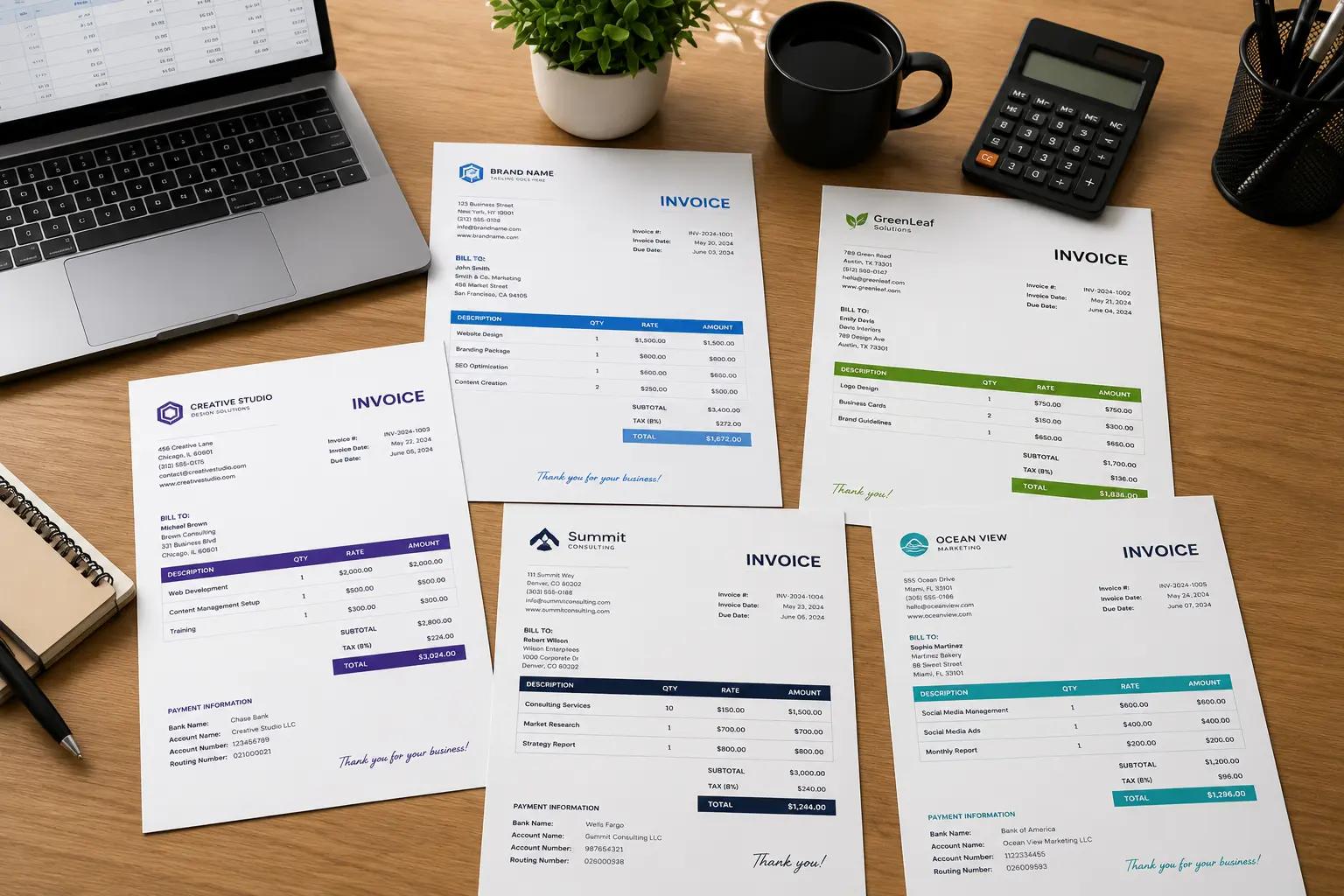
How to Choose an Invoice Number Format That Stays Organized
Learn how to pick a clean invoice numbering system that stays consistent as your client work grows.

What Is a QR Code and When Should You Use One?
Learn what QR codes are, what they are good for, and when they make sense for business cards, menus, links, and quick sharing.
How to Compress Images for Email and Web Without Ruining Quality
Learn how to reduce image file size for email, websites, forms, and uploads while keeping the image clear and professional.

How to Merge PDF Files Without Losing Page Order
Learn the best way to combine multiple PDFs into one clean file while keeping pages in the right order.

How to Create Strong Passwords That You Can Still Manage
Learn how to build stronger passwords, avoid common mistakes, and use password generators more effectively.
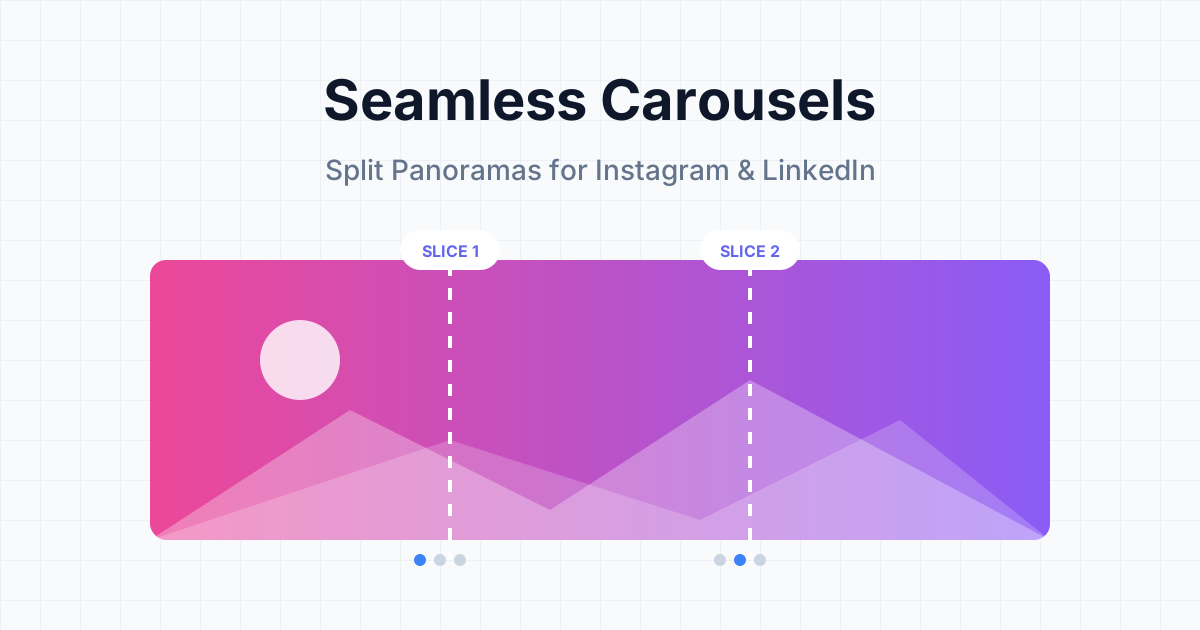
How to Create Seamless Carousels for Instagram and LinkedIn
Learn the secret behind those beautiful, continuous swipeable posts and how to make your own without expensive design software.
How to Make a Passport Photo at Home That Looks Professional
Learn how to take, crop, and print a passport photo at home with the right framing, background, and photo size.
How to Create a Professional Invoice That Gets Paid Faster
Learn what to include in an invoice, how to format it professionally, and which mistakes to avoid if you want faster payments.

What is AVIF? The Complete Guide to the Next-Gen Image Format
Learn everything about AVIF - what it is, how it works, and why it's the future of web images.
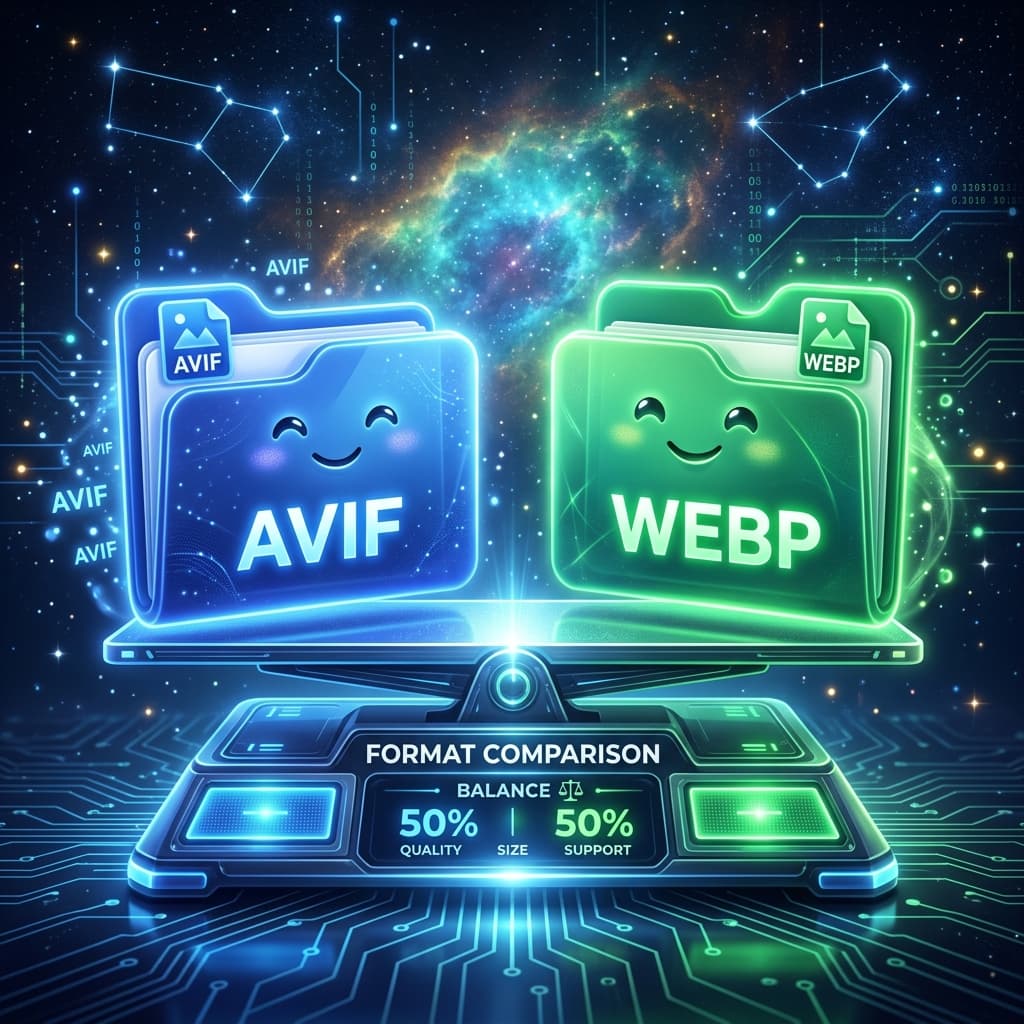
AVIF vs WebP: Which Next-Gen Image Format Should You Choose?
Compare AVIF and WebP, the two leading modern image formats, to decide which one is right for your website.

AVIF vs JPG: Why You Should Make the Switch in 2026
See how much smaller your images can be when you switch from JPG to AVIF format.

AVIF vs PNG: Optimizing Graphics with Transparency
Learn how AVIF compares to PNG for graphics, logos, and images with transparent backgrounds.

How to Open AVIF Files: Complete Guide for Any Device
Learn how to view, open, and edit AVIF images on Windows, Mac, Android, and iOS.

How to Convert AVIF to JPG: Step-by-Step Guide
Learn the simplest way to convert AVIF images to JPG format for maximum compatibility.

Why AVIF Images Are So Much Smaller (And Still Look Great)
Discover the technical reasons why AVIF compresses images better than older formats.

The Best Image Formats for Websites in 2026
Our complete guide to choosing the right image formats for your website to balance speed and quality.

WebP vs JPG: Is It Time to Upgrade Your Images?
Compare WebP and JPG to see if you should upgrade your website images to WebP.

PNG vs JPG: Which Image Format Should You Use?
Learn the differences between PNG and JPG formats and when to use each one for optimal results.